To reset your password, please follow these steps:
1. Go to Forgot Password and Enter the email address you used when signing up.

2. Once you click “Reset Password”, you will receive an email with a reset link.
3. Open that email and click the Reset Password button. If you’ve reset your password more than once, or have previously reset it in the past, please make sure to use the link from the most recent email we sent you.
Using an older link may cause an error message such as:
“This key is invalid or has already been used.”

4. You’ll be taken to a page where you’ll need to enter your new password twice. (We recommend saving it somewhere safe.)

5. After completing the reset, you will be automatically logged into your account.
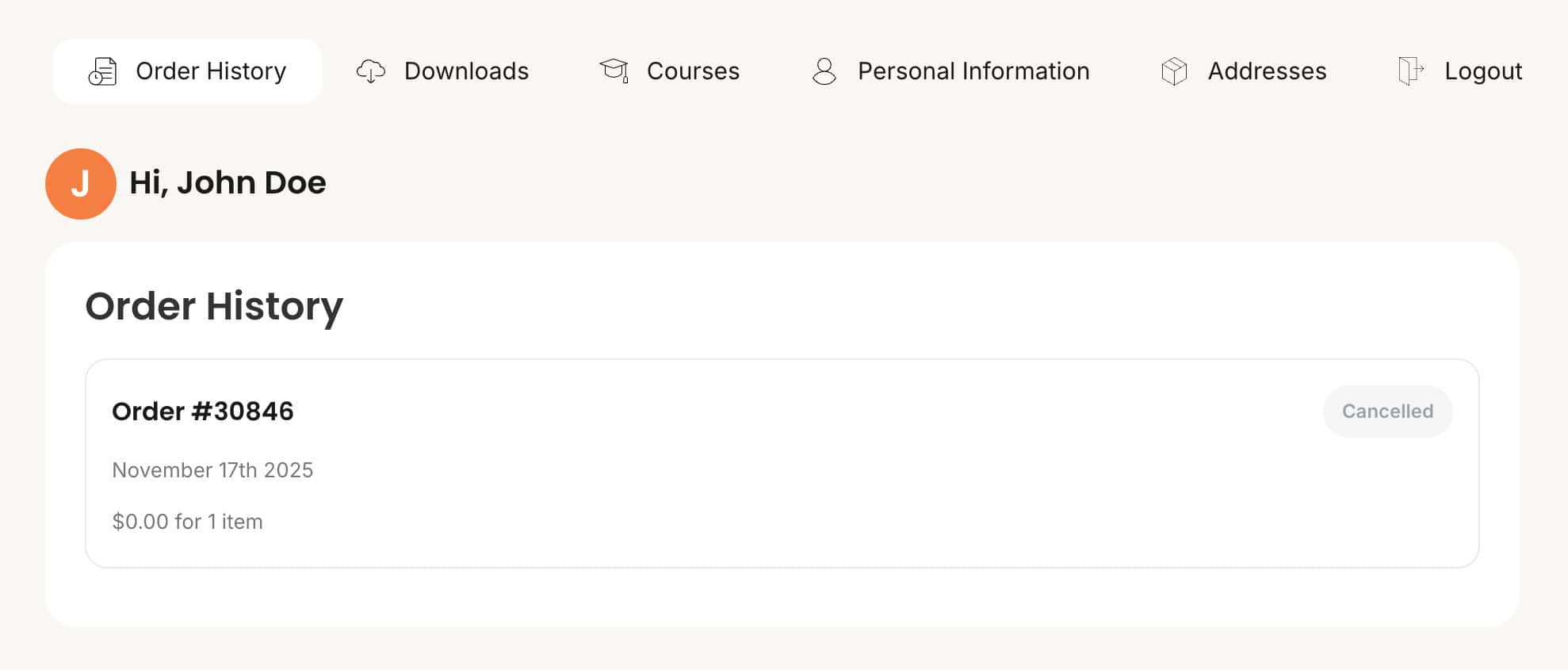
6. For future logins, simply go to: https://playtinwhistle.com/account and sign in using your email and the new password you just set
If you have any questions or need help, feel free to reach out.
Troubleshooting
When I reset my password and click on the link in the email, I get an error message “This key is invalid or has already been used. Please reset your password again if needed”
Our system is highly secure, and therefore any password-reset link that becomes corrupted will immediately turn invalid.
A link may become invalid in the following cases:
– You attempted to use it more than once.
– You tried to use it more than 36 hours after submitting the reset request.
– You accidentally clicked an old reset link instead of the latest one in the email thread.
For this reason, it’s important that when you receive a password-reset email from us, you always use the link in the most recent email – not in previous emails in the conversation. Clicking an old link can “corrupt” both the old and the new link, and will require you to submit another password-reset request.
Our recommendation: check the timestamp of the email and always use the link from the newest reset email in your inbox. In any case, if this occurs, you will need to submit a new password-reset request and make sure to use the link from the most recent email you received in the thread.
When I enter my email, I get a message saying “Invalid username or email.”
This issue can occur for two main reasons:
Purchases made before November 2025
If you bought my course before November 2025, you likely don’t have a user account on the site – your access was provided only through the Facebook group.
However, if you purchased any additional courses (such as the Jam Session Course or the Treasure Map Course), then you should have a user account on the site.
If you purchased the Celtic Library before November 2025 You likely don’t have an account on our website, but your download links can be found in the email we previously sent you.
Incorrect or unregistered email
Make sure you’re entering the same email address you used when registering on our site. This message usually appears when the email doesn’t exist in our system. Also double-check that there are no typos.
I am not receiving a password reset email.
Please check your spam folder to see if the reset email was filtered there. If you still haven’t received it, make sure you entered the same email address you used when registering. If the problem continues and no reset email arrives, please contact us.
I don’t remember the email I registered with.
Try searching your inbox for previous messages from us – our emails are usually sent under the sender name “Play Tin Whistle.” You can also search for keywords like “Raviv Stein.” If you’ve received messages from us in the past, it usually means your email is already recognized in our system.
If you still can’t remember which email you used to register, please contact us.
Please note that account recovery may involve a service fee.